Saved proposals
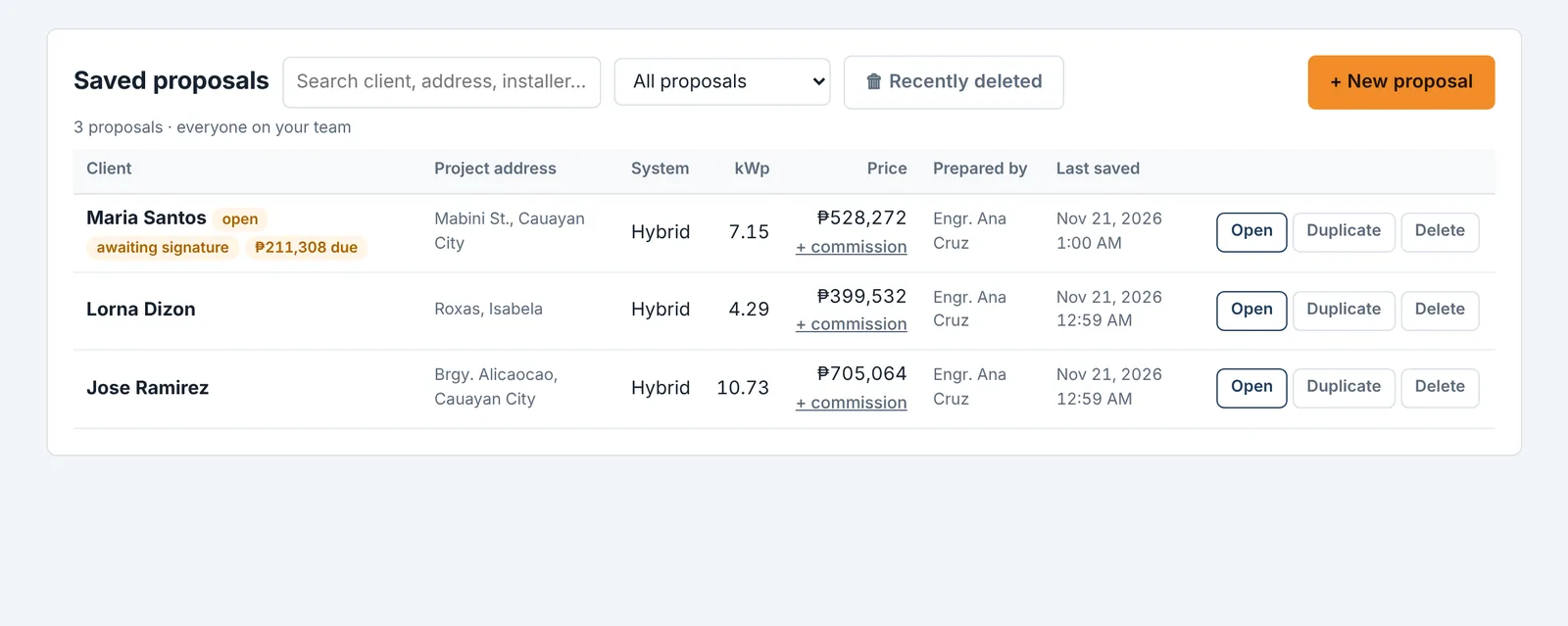
| Client | Project address | System | kWp | Price | Prepared by | Last saved |
|---|
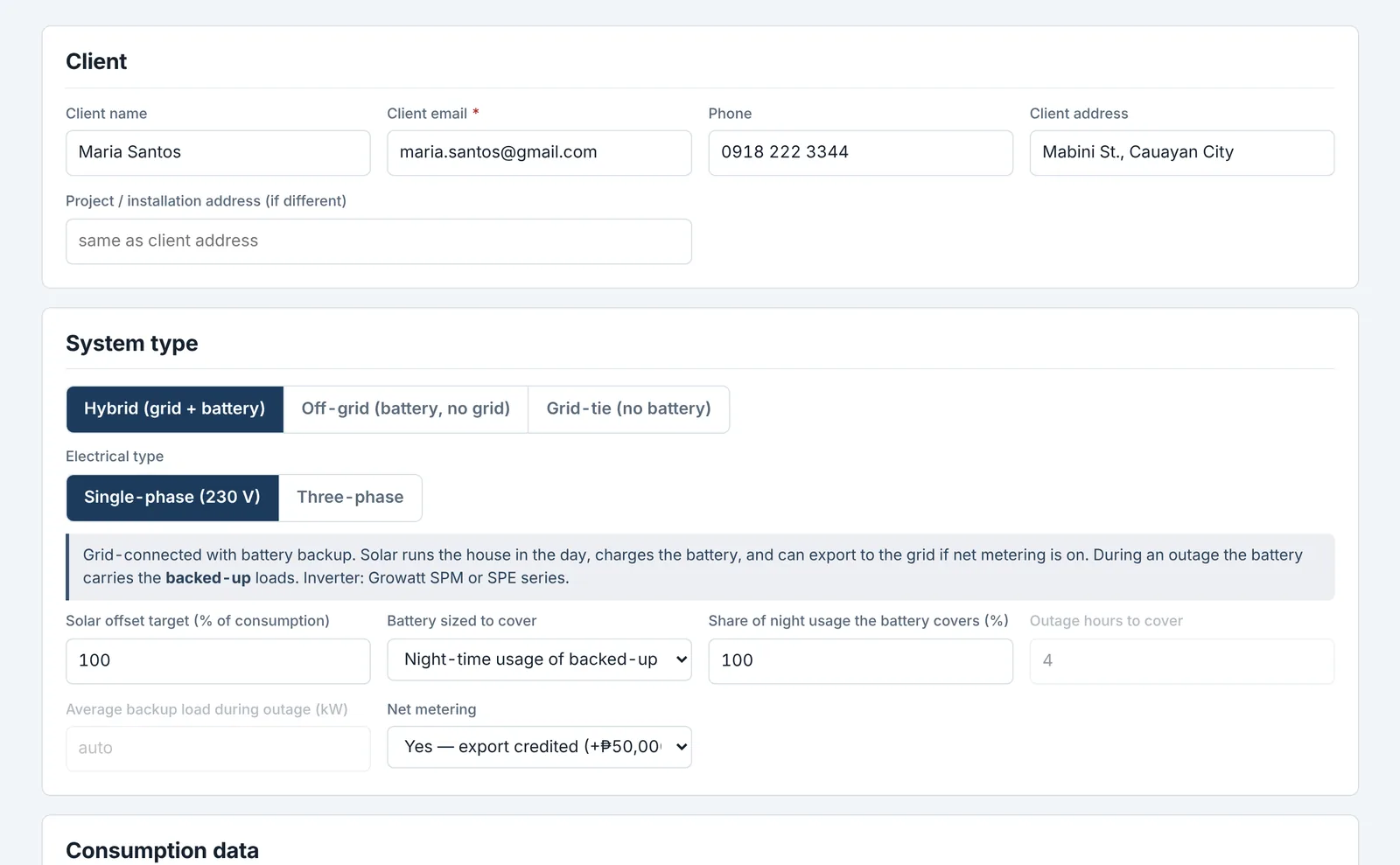
Client
System type
Consumption data
| Month | Consumption (kWh) | Bill amount (₱, optional) |
|---|
| Category | Description | HP | Watts each | Qty | Hrs/day | When used | Load type | Energy % | Backup | Total W | kWh/day | |
|---|---|---|---|---|---|---|---|---|---|---|---|---|
| Totals | 0 | 0 | ||||||||||
Electricity rate
Site
Custom setup
Choose the exact equipment and quantities. The tool checks the design (string voltages, inverter limits, battery current) and builds the same proposal, using the client and consumption from Project & loads.
Inverter
Solar panels
Batteries
Pricing & ROI
Cost + margin: price = equipment at cost price (Equipment catalog) plus its markup, + misc. materials (allowances below) plus markup, + labor (inverter kW × the standard or difficult rate chosen on the project page), then the contractor profit margin on top, plus net metering. The margin can also be changed right in a proposal's price breakdown (⚙ Advanced). Built-in cost prices are market estimates; replace them with your supplier prices.
Itemized: price = kWp × the rate below (panels, mounting, PV and AC wiring, breakers, SPDs, labor) + each inverter's and battery's selling price from the Equipment catalog + net metering. Set your real selling prices there with Edit; the built-in prices are market estimates.
Pick the client's electric company on the Project & loads page to fill in the rate. The export credit is an estimate; check the net-metering credit on the client's bill. The net-metering fee is added to the price whenever net metering is switched on for a project.
Energy & design
Real-world factors
Used for the savings and the "self-supplied" figure on the proposal, so clients see what to expect over a whole year, not just on a sunny day.
Equipment preferences
How Auto chooses: panels: lowest cost per watt among available panels (higher wattage wins a near tie). Inverters: fewest units, then the smallest kW that covers the load with margin, fits the array's strings and handles motor surge; the cheaper model wins a tie. Batteries: your preferred brand first (if set), then the cheapest bank that meets the night energy and peak current, counting each battery's breaker, cables and install time. Items marked unavailable in the catalog are never chosen.
These assumptions are your company's defaults for new proposals and are shared with your team. They also apply to the proposal that is open.
Equipment catalog
🔒 View only. Your company owner or admin manages the catalog and prices.
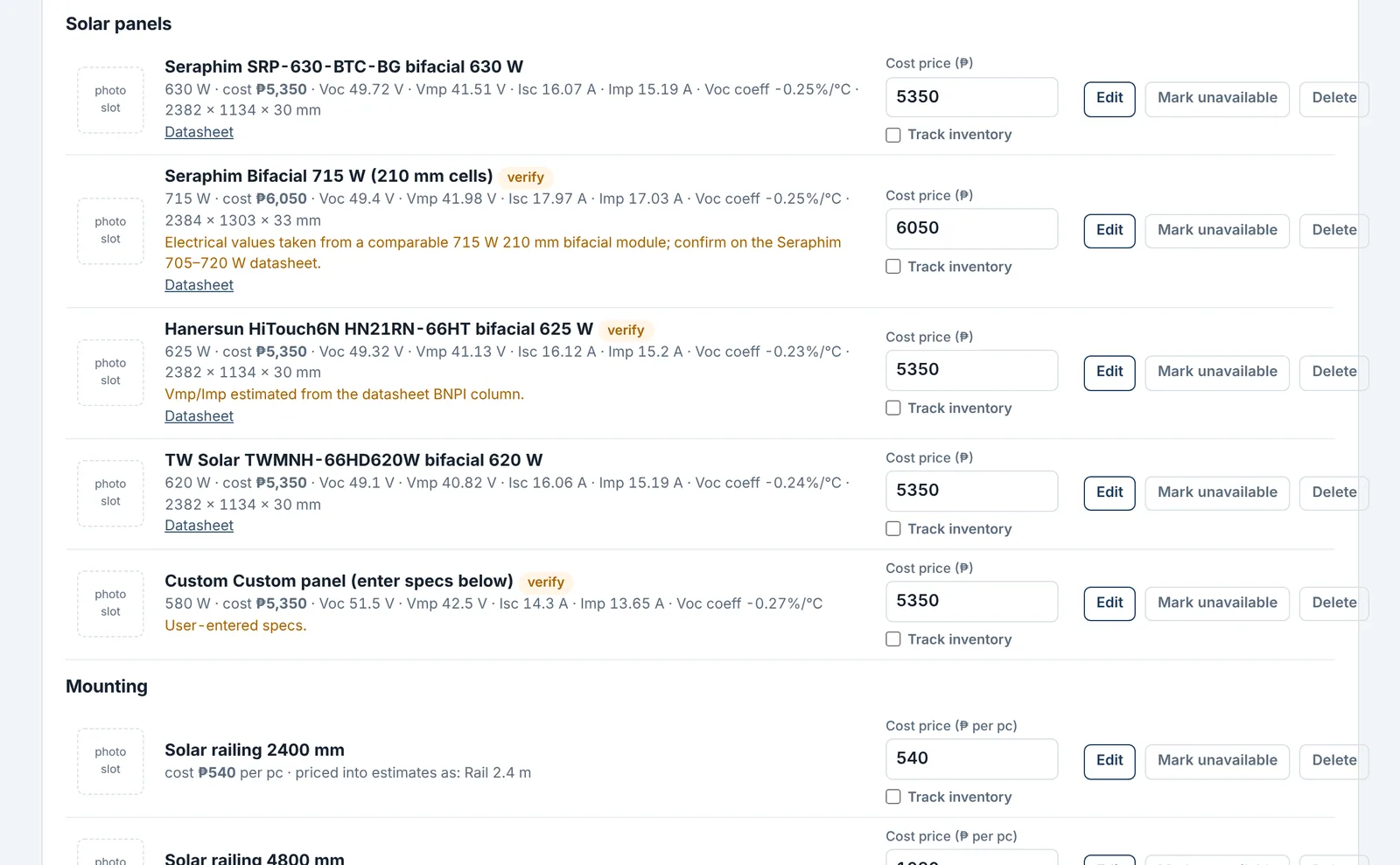
These are the products the tool chooses from and prices into proposals. Type a new cost price and it is saved for everyone in your company straight away; it stays until you change it again. Use Edit to correct specs or add a photo, + Add for new products, and Mark unavailable to stop the tool recommending something that is out of stock. Rails, clamps, L-feet, PV wire, battery cable and MC4 are counted from the panel layout and priced from the Mounting and Cable lists. Items tagged verify have a spec taken from a sister model or a typical figure; confirm it with your distributor.
Company details & letterhead
🔒 View only. Your company owner or admin can change these.
Shown at the top of every proposal and PDF, and in your quote emails.
Brand colors
🔒 View only. Your company owner or admin can change these.
Pick your company's two colors. They're used across the app, on the proposal you show clients, and in every PDF (proposal, final quote, contract and turnover documents). Changes save automatically for everyone in your company.
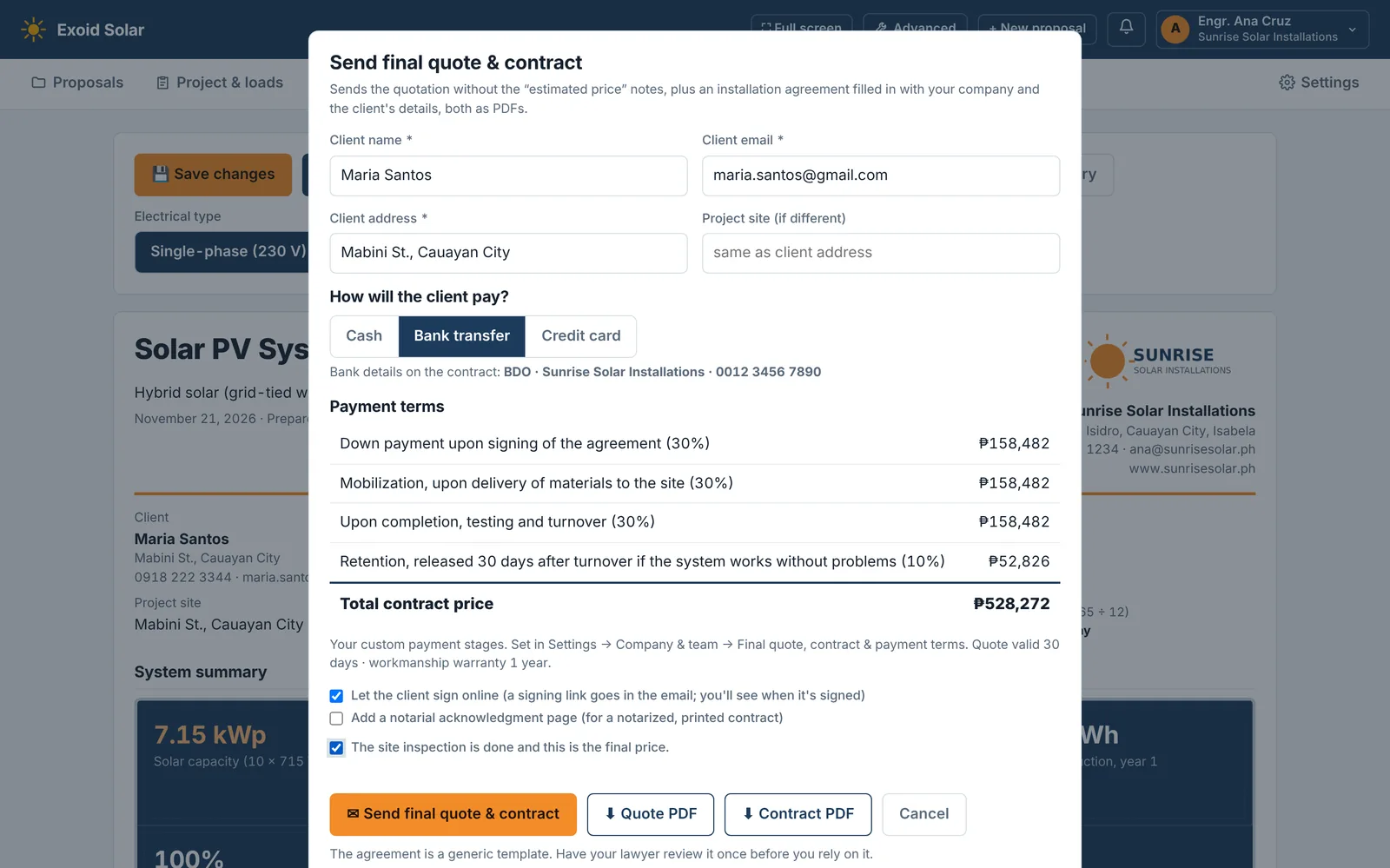
Final quote, contract & payment terms
🔒 View only. Your company owner or admin can change these.
Used when you press “Send final quote & contract” on a proposal. Changes save automatically for everyone in your company. The agreement is a generic template: have your lawyer review it once.
Team
Teammates create their own account, choose Join my company, and enter this code. Each member sees only their own proposals (and ones sent to them); the owner sees everyone's. Company admins can also manage company details, colors, terms, pricing and the catalog. Everyone shares the catalog and the assumptions.
| Name | Role | Commission rate | Commission (tagged) |
|---|
My profile & email signature
My signature
Saved once, then added for you above your name on proposals, final quotes, contracts and turnover documents you send. Only you can see or change it.
Tip: sign on white paper, take a photo, and upload it. A clear dark signature works best.
Sign-in & security
Plan & billing
Send an update to all users
Everyone sees it once each time they log in (until they tick "Don't show this again"), and it stays in the bell menu for a week. Only the 2 newest updates are kept. Write it the way you'd tell an installer: what changed, and where to find it.
Recent updates
Companies
When a company pays, set it to active with a paid until date, or use +1 month paid. Suspended companies can still log in and view, but can't save or send. Monthly = ₱ + ₱ per extra user.
| Company | Users | Monthly | Activity | Status | Trial ends | Paid until |
|---|
Users
| Name | Company | Role | Signed up | Last log-in |
|---|
Pricing review
Every saved proposal, recalculated with that company's own catalog and settings, without client details: names, emails, phone numbers and addresses are removed in the database before anything reaches this page. Use it to compare testers' prices, markups and margins with your defaults. Don't share individual companies' figures with anyone.
| Company | Saved | System | kWp | kWh/day | Equipment | Materials | Labor | Profit | Price | ₱/kWp | Settings |
|---|